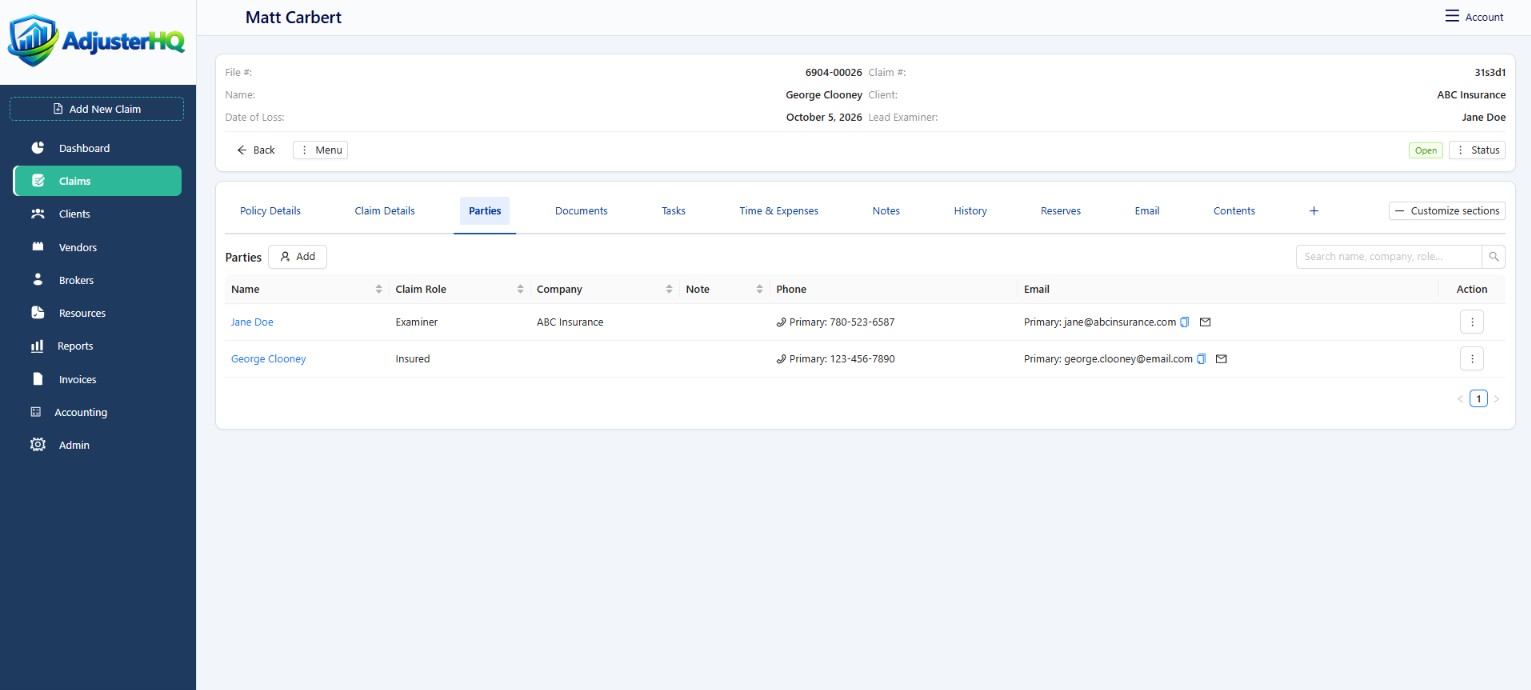
Documents & e-signatures
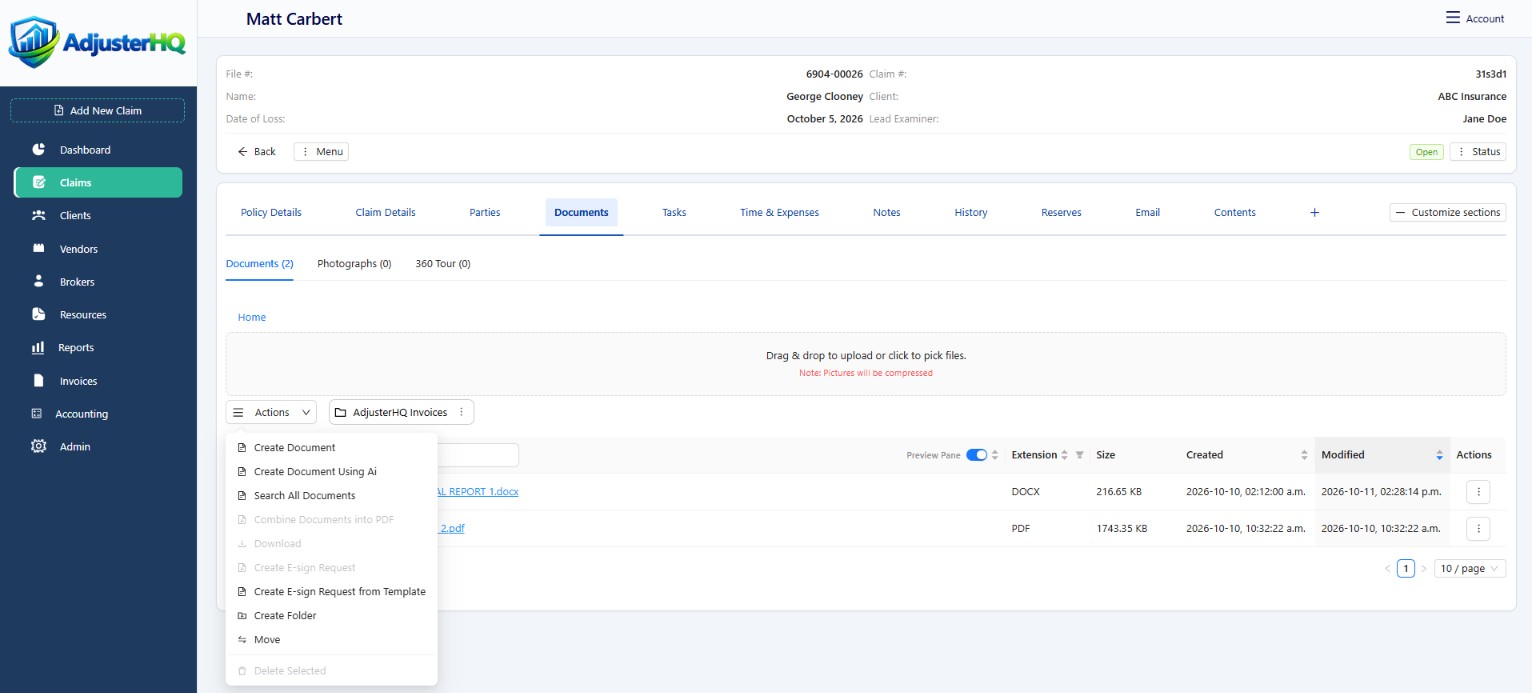
Upload documents, edit them in-browser, and collect electronic signatures directly within the platform.
Features
Manage the work from intake to close, with documents, evidence, reporting, and collaboration connected in one platform.
Workflow & tasks
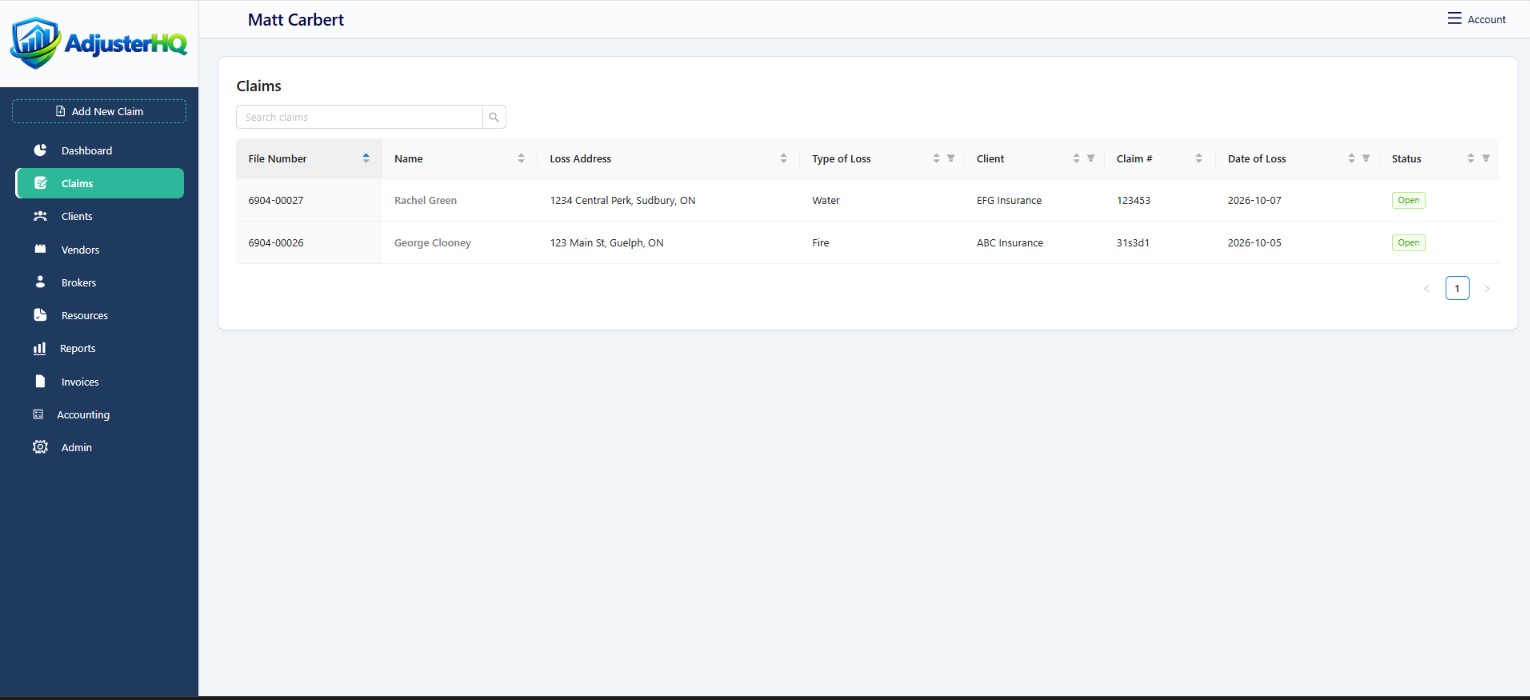
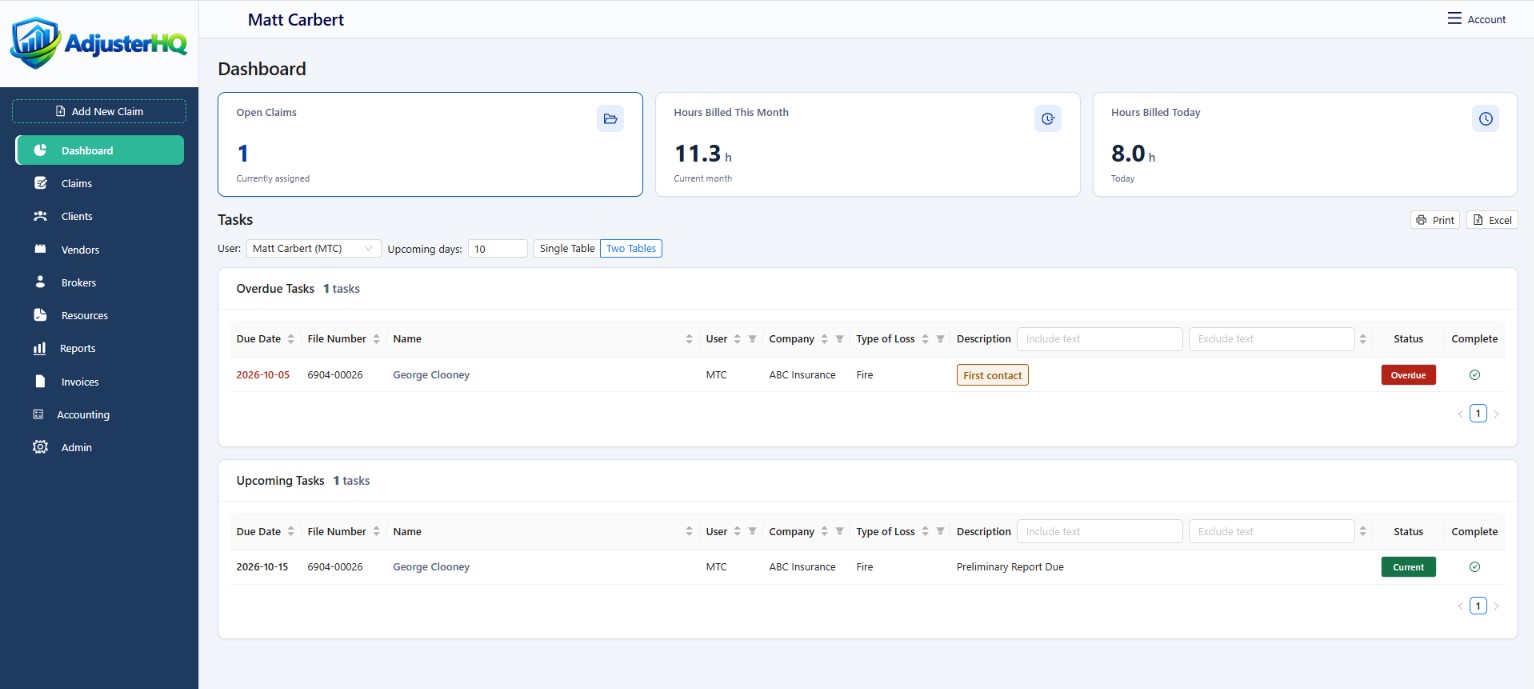
See claim status, ownership, and next actions. Keep tasks and due dates visible across your caseload.
Documents & media
Capture, organise, edit, and sign without leaving your browser.
Upload documents, edit them in-browser, and collect electronic signatures directly within the platform.
Keep property photos and immersive tours on the claim so authorised parties can review the visual context.
Track claim items with supporting details and documentation, keeping totals and valuations organised.
AI assistance
Use AI tools to assist with contents pricing, summaries, updates, and routine reporting.
Review valuations and written output before using them in a claim. AI assistance supports your work; professional judgement remains essential.
Request a DemoTime & expenses
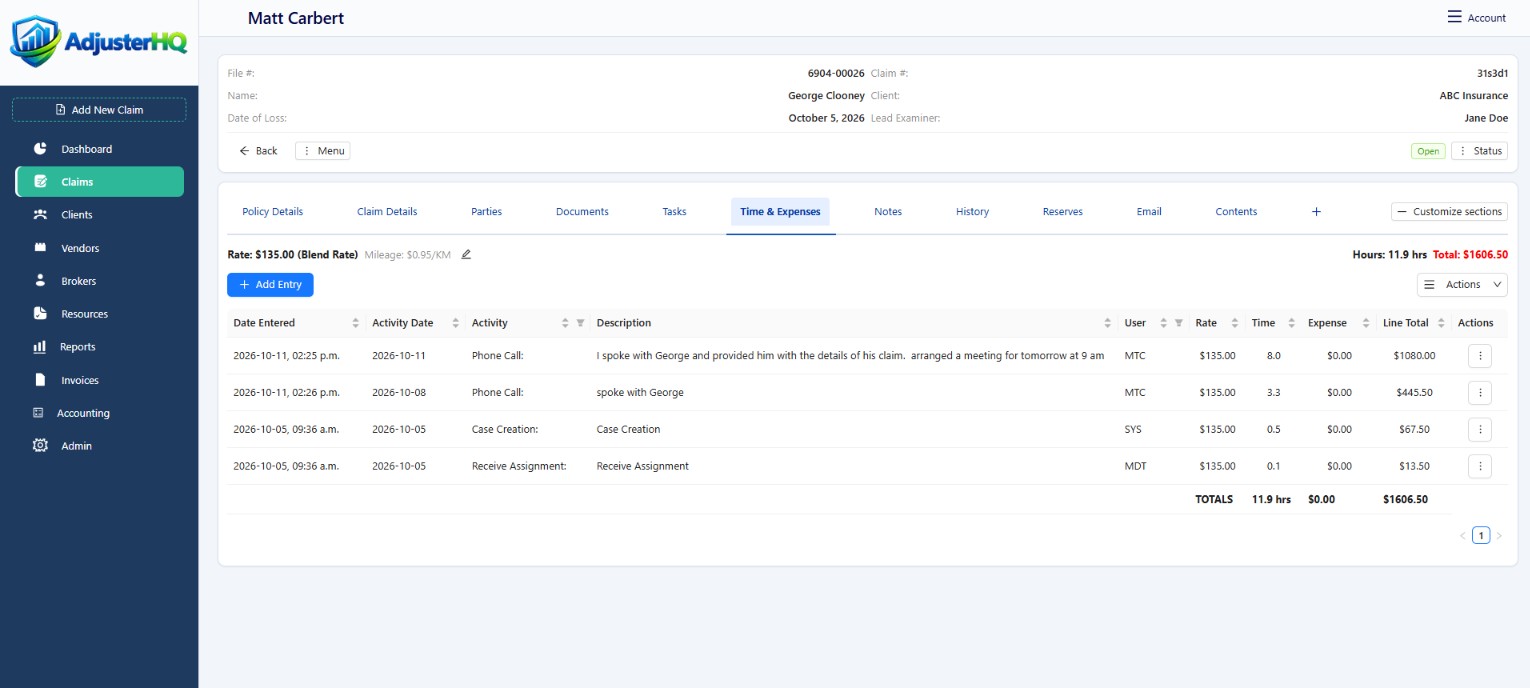
Record activity dates, time, descriptions, and expenses on the claim. Review individual entries and totals in one place.
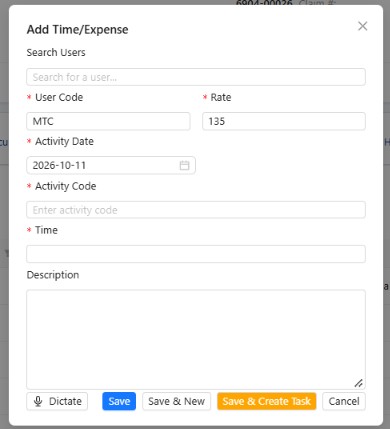
Add an entry with its activity and description, use the dictation option, or save an entry and create a task.
Collaboration
Share the context each person needs, with controlled access to claim information.
Support shared files and hand-offs across adjusters and locations, with clear ownership and visibility.
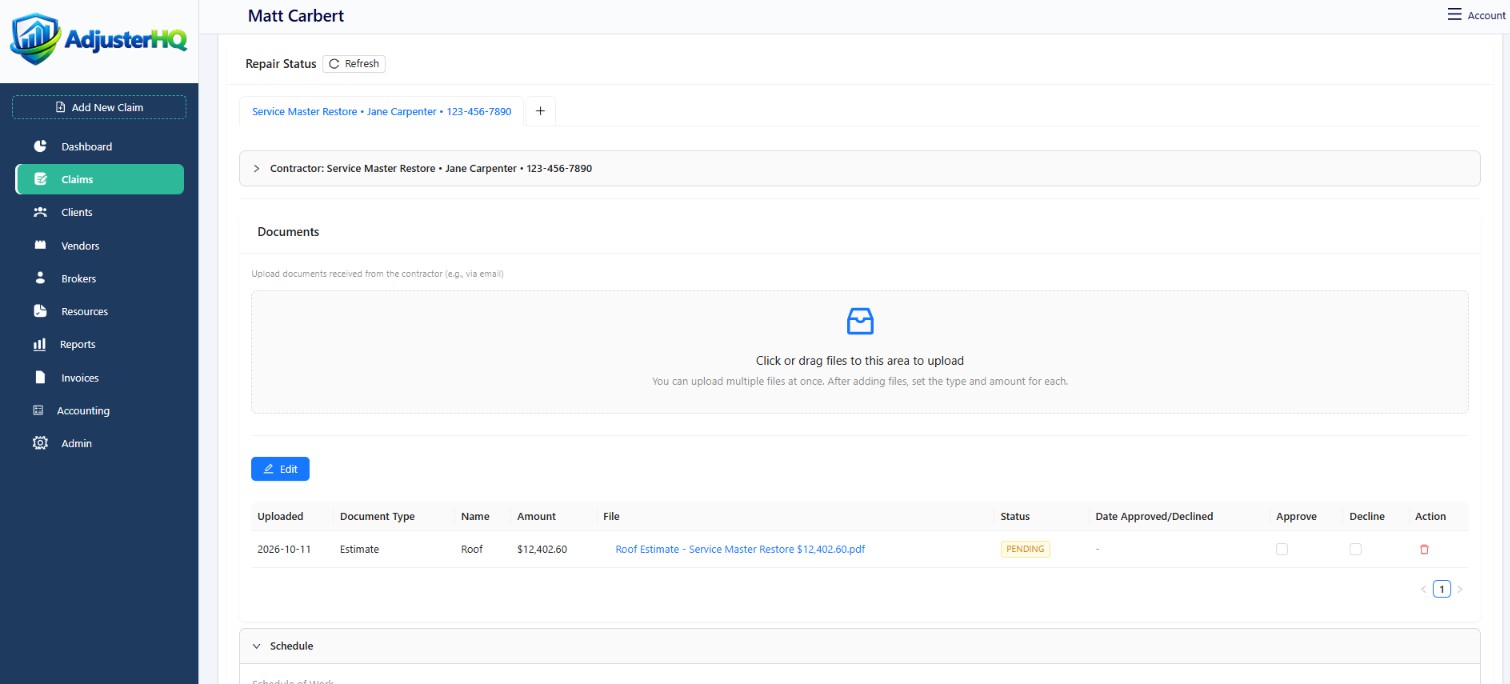
Contractors upload documents, photos, and updates to the claim. Review estimates and monitor repair status from your dashboard.